Free
£0
Start free with a 3 day trial
- ✦ The living canvas, voice & chat
- ✦ Web-sourced cards with citations
- ✦ A taste of the Studio
Pluso — A Living Canvas
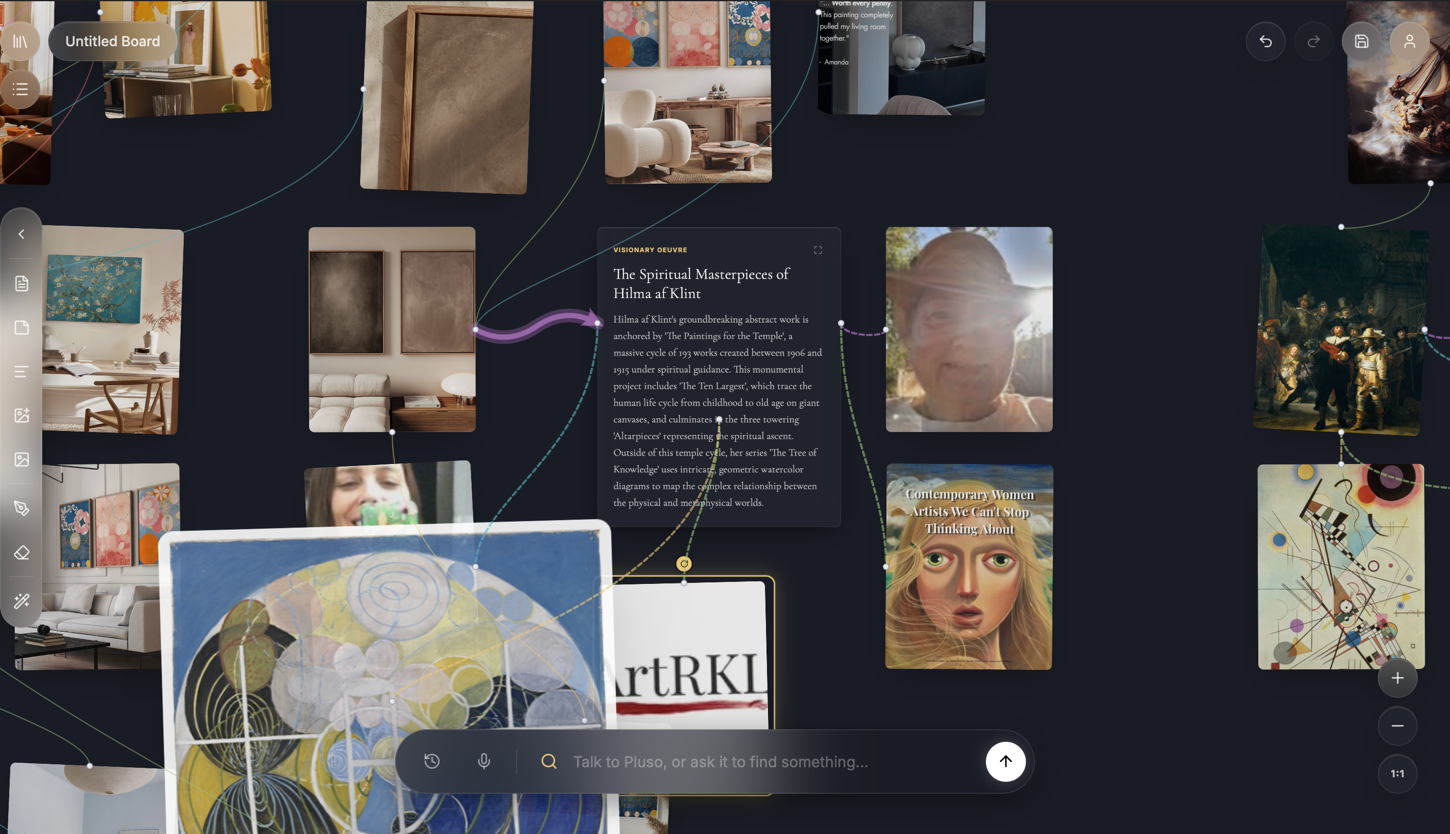
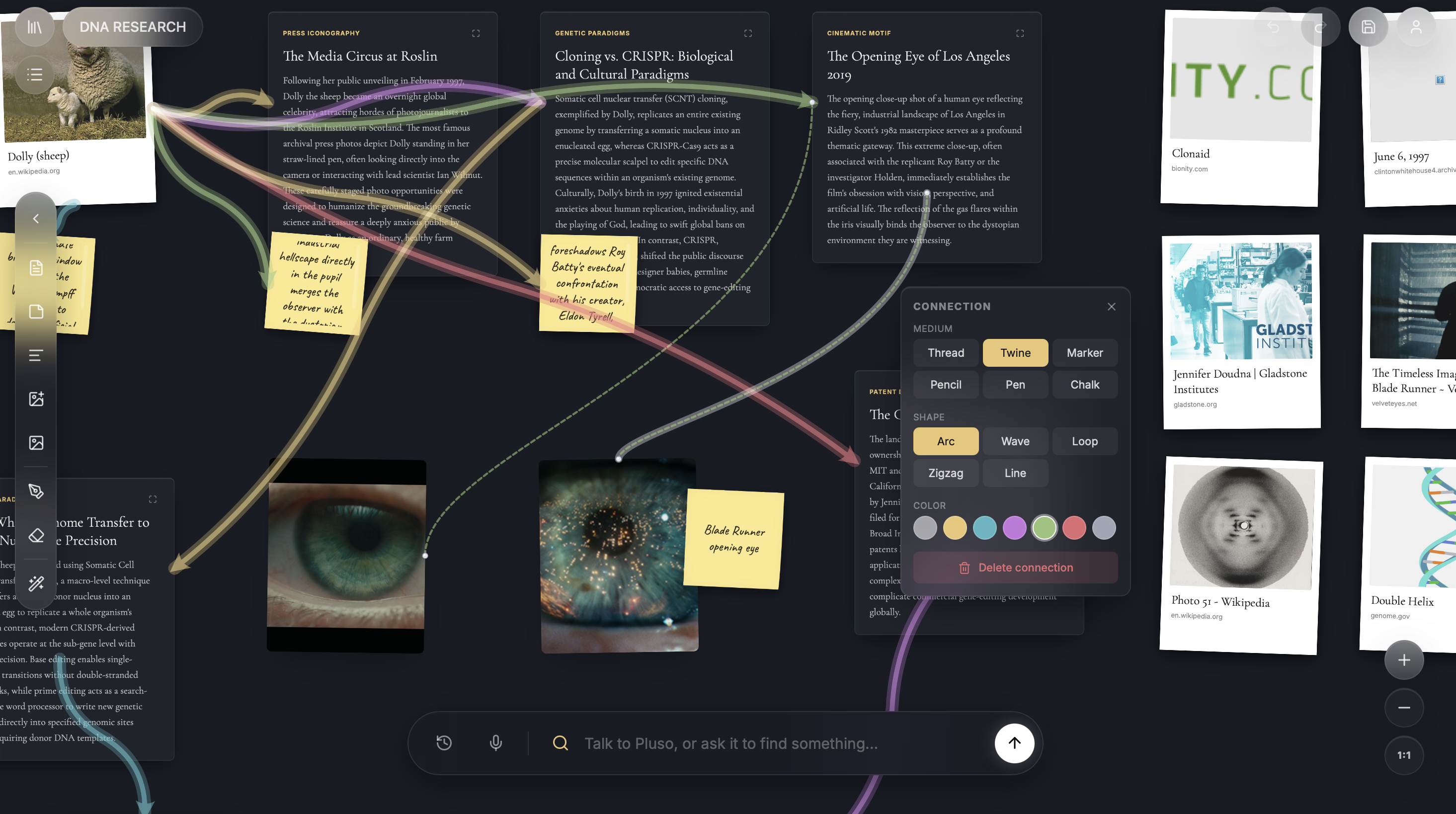
Pluso is a canvas you learn with. Speak a question and watch articles, images and ideas assemble into a living board — explained aloud, connected by hand, staged like a story.
The Living Board
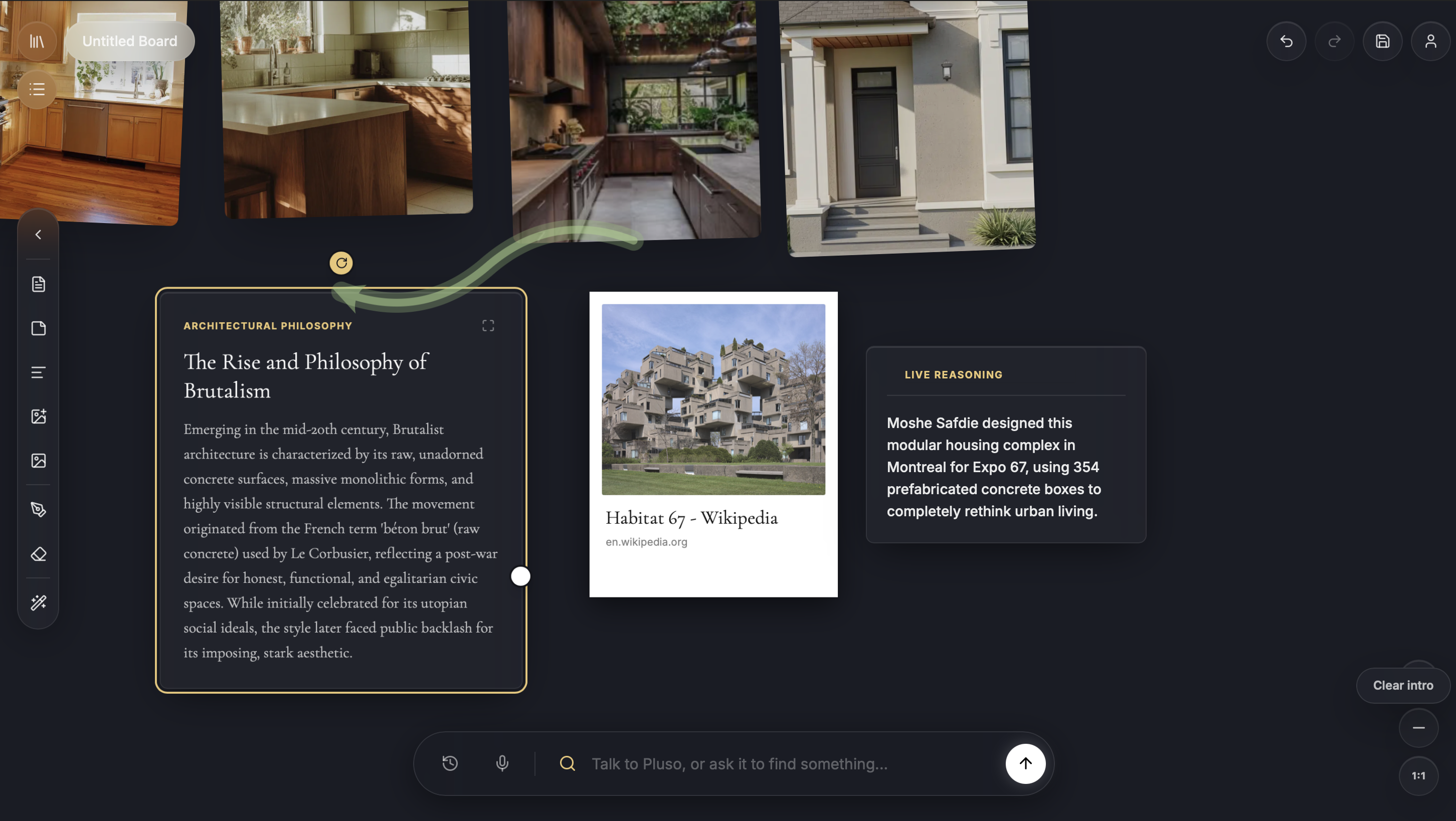
Ask about anything you’re curious about. Pluso gathers real articles and images from the web, writes them onto cards, and draws the connections between them — narrating its thinking out loud as the board takes shape. Every card keeps a link back to its source, so what you learn is something you can check.
The Focus Director
Say “compare these two” and the room quiets: both cards rise side by side, and whichever one Pluso is talking about sharpens. Say “walk me through it” and supporting cards fade in exactly as they’re mentioned. Learning stops being a wall of tabs and becomes a scene you can follow.
The Studio
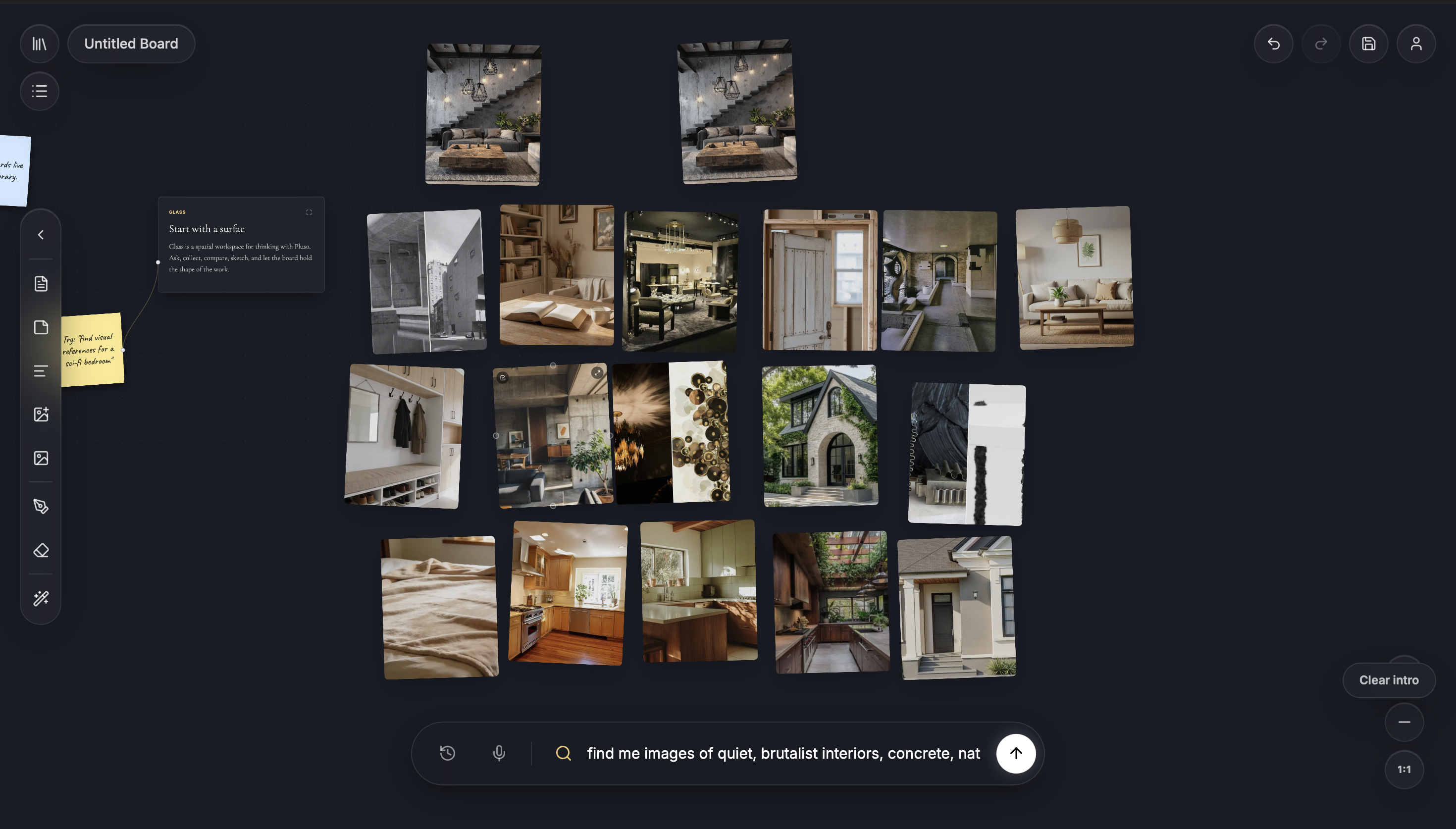
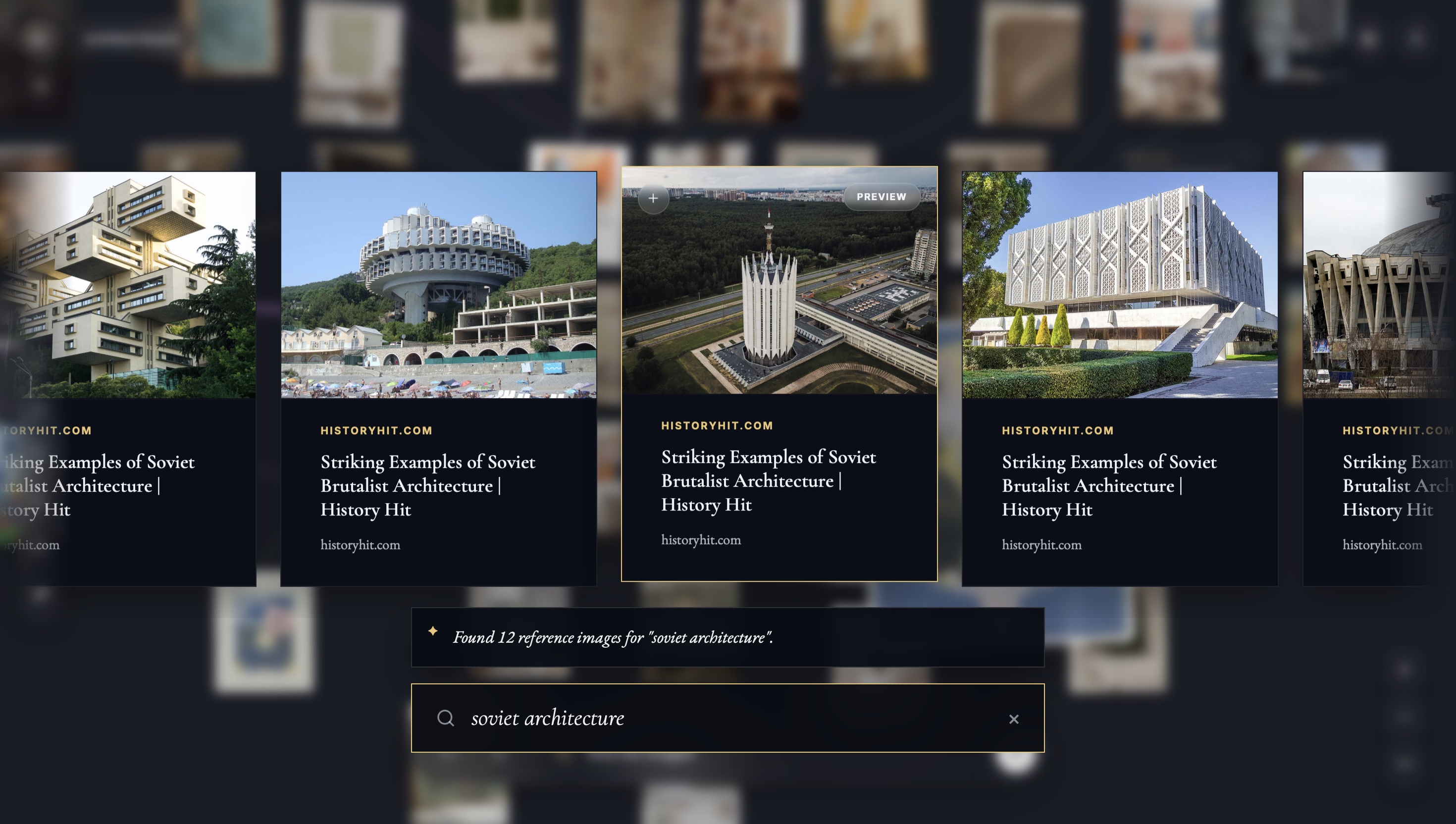
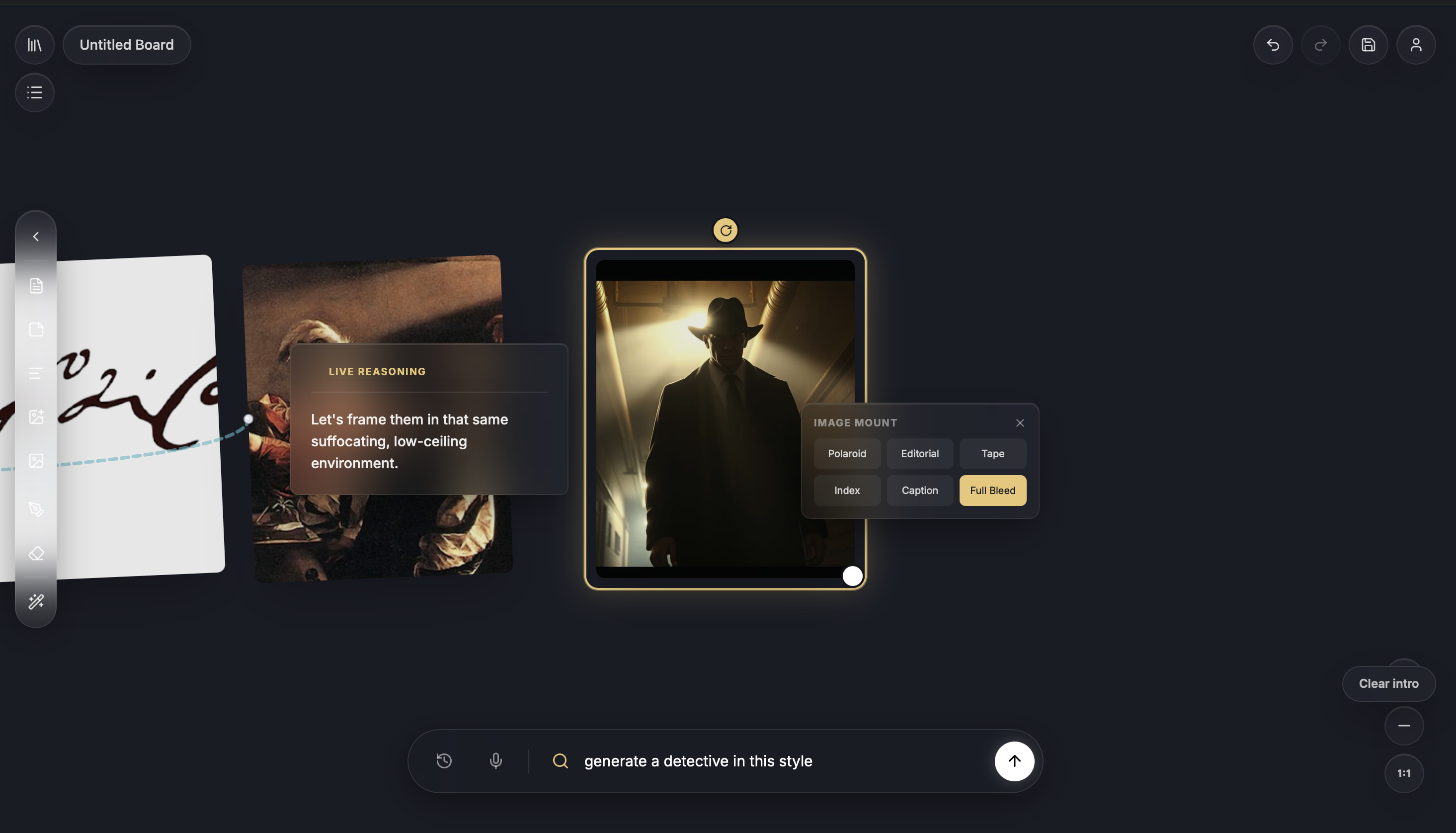
Ask for images and they arrive as reference cards, pinned to the board with their sources. Drag the divider to see how a spoken request becomes a visual.
The Collections
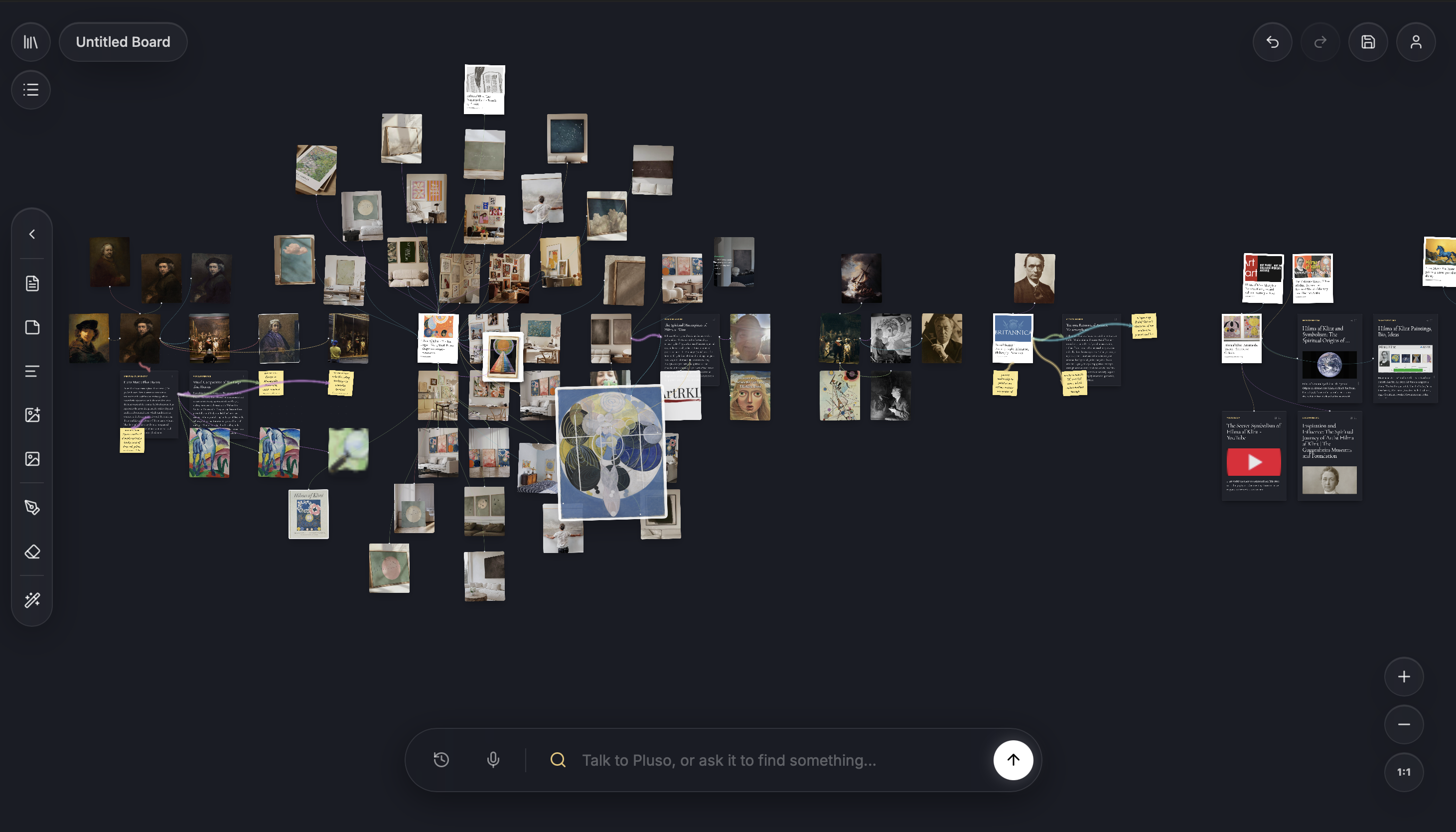
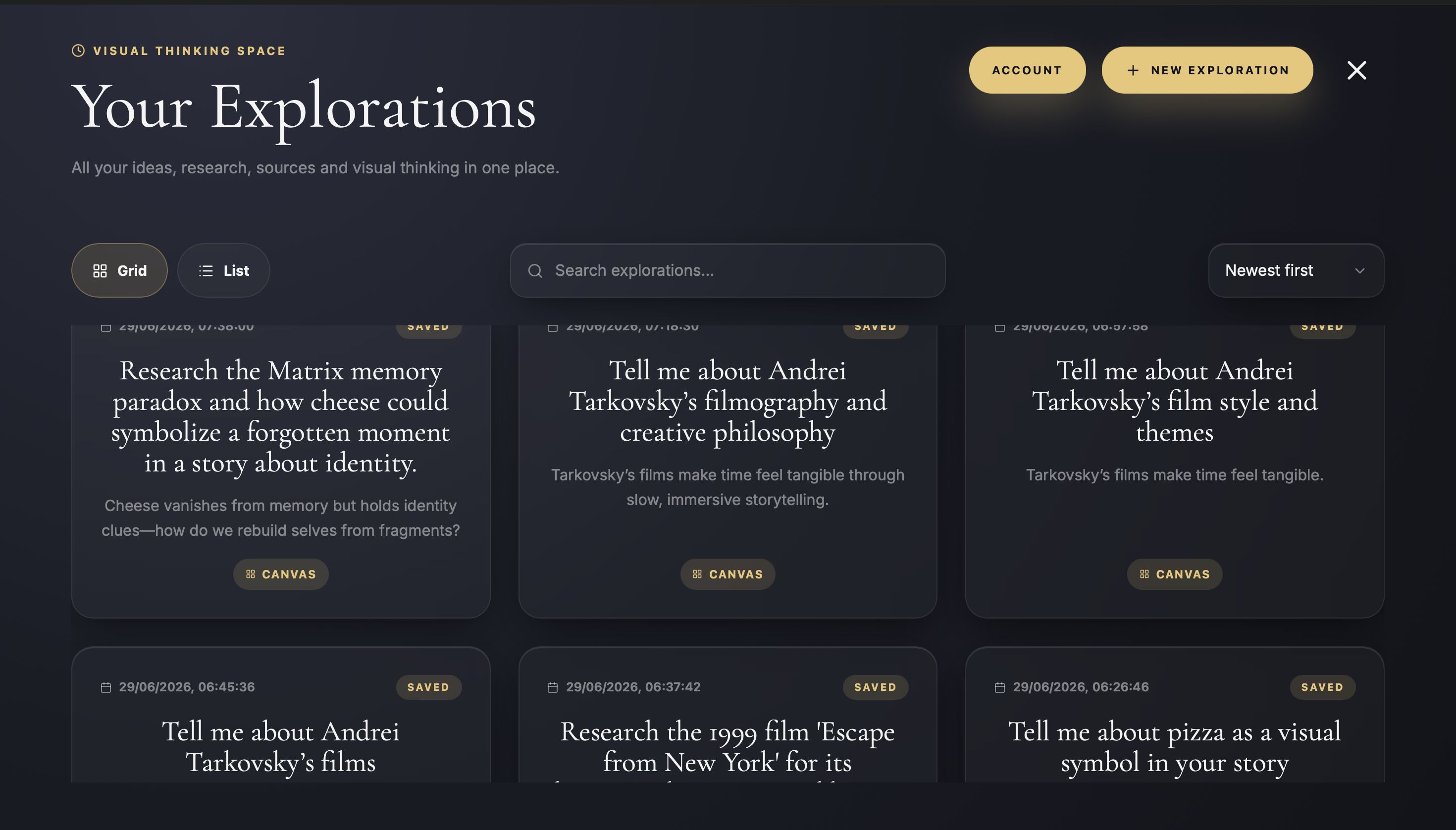
Every question becomes a collection. Boards save themselves as you work, so each subject you explore is waiting exactly where you left it — cards, threads, sources and all.
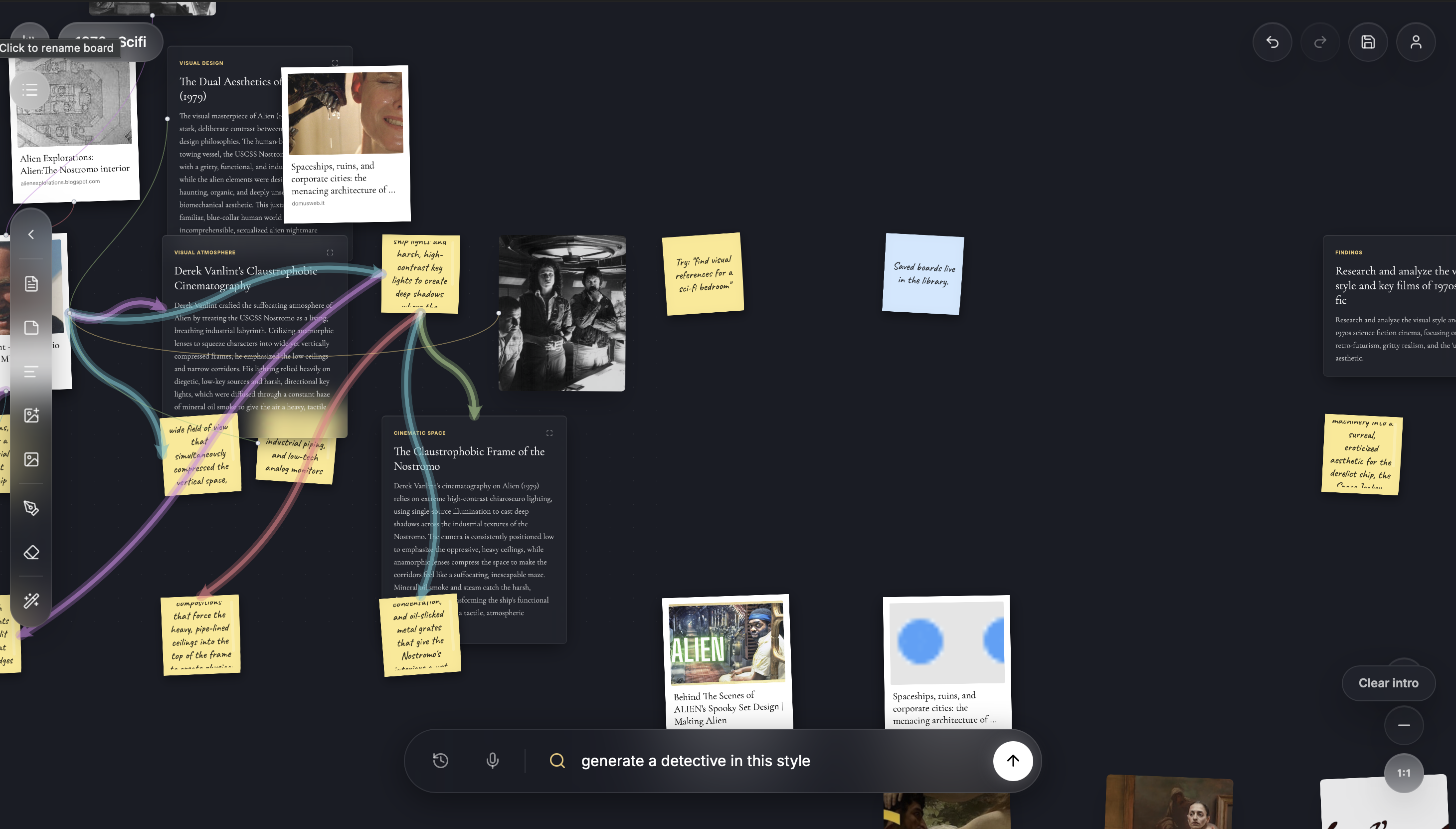
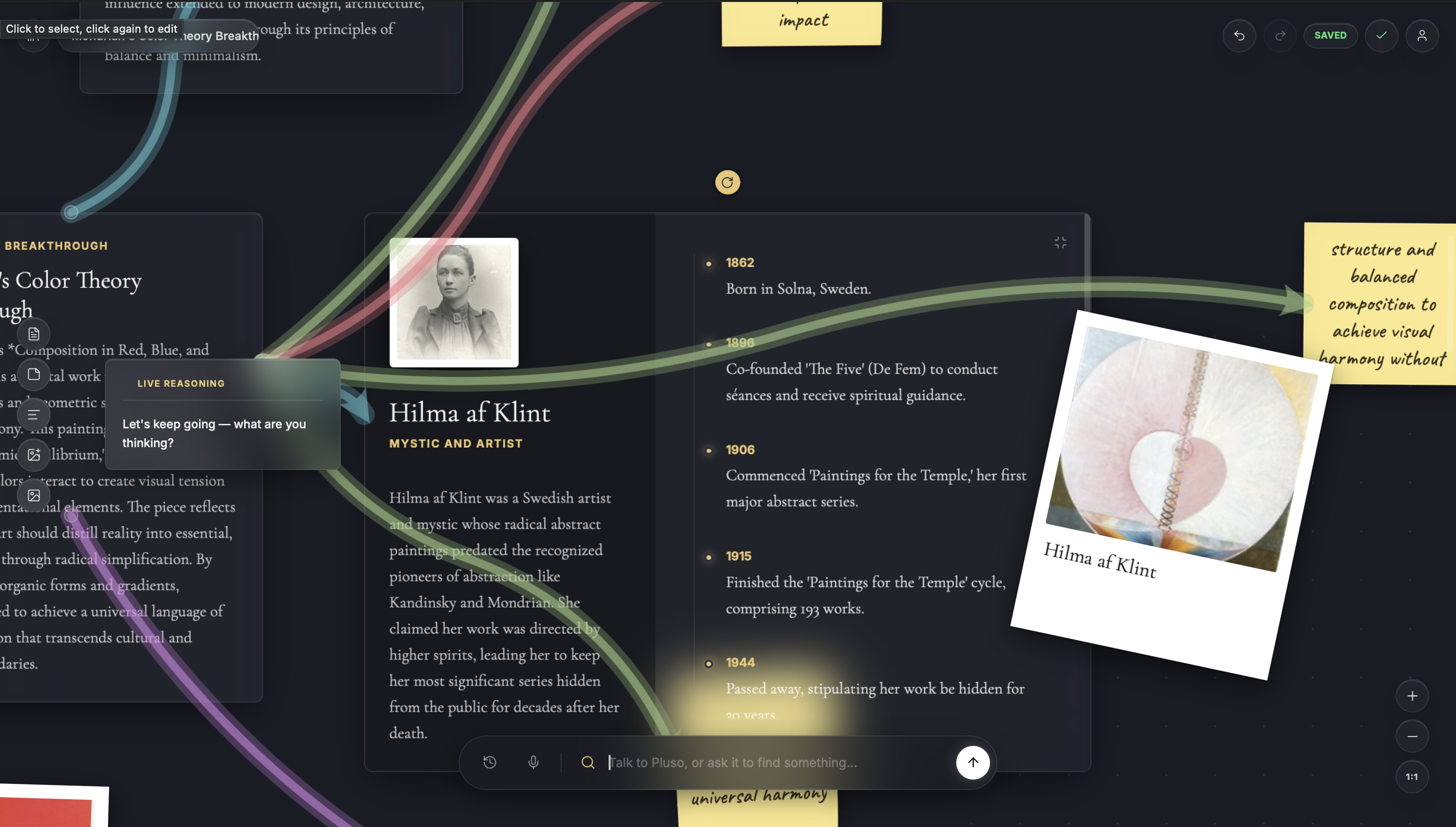
What’s inside the canvas, Issue Nº 01.
Introductory Pricing
Early pricing for the new Pluso canvas experience.
Free
Start free with a 3 day trial
Plus
Introductory monthly price for 2 months
Then £9.99/month
Annual
Introductory annual price till August 14! then £89.99
Save 40 percent on the first year
Help & Questions
A canvas you learn with. You ask about something — out loud or by typing — and Pluso gathers real articles and images from the web, writes them onto cards, draws the connections between them, and explains its thinking as it goes. What you end up with isn’t a chat transcript; it’s a board you can keep, rearrange, and come back to.
No — everything works by typing too. Voice is there because it makes the canvas feel like a collaborator: you speak, it answers aloud, and the board moves while you both talk. The microphone only listens when you turn it on.
From live web search. Articles and images arrive as cards that keep a link back to where they came from — every reference card has a source button, so you can always check the original before you trust it.
Yes. Upload images, write notes and post-its, edit any card’s text, and draw your own connections. The board is yours — Pluso contributes to it, it doesn’t own it.
They save automatically as you work and live in your library, one collection per subject. You can read how we handle your data in our privacy policy.
Cancel any time from your account — your boards stay yours on the free tier. For anything else, write to pluso@albertinteractive.com and a person will reply.